Creating a DMP in the LACDR FAIR Wizard
FAIR Wizard Introduction
Creating an account
If you don’t already have an account for the Leiden instance of the FAIR Wizard (https://lacdr-rdm-course.fair-wizard.com/), you will need to create one.
To create an account, go to https://lacdr-rdm-course.fair-wizard.com/ and click the Sign Up button at the top right. Fill in your details and use your Leiden University email address. After submitting the form, you will receive an email to verify your account (this can take a bit of time). Once verified, you can login to the LACDR FAIR Wizard.
Navigation
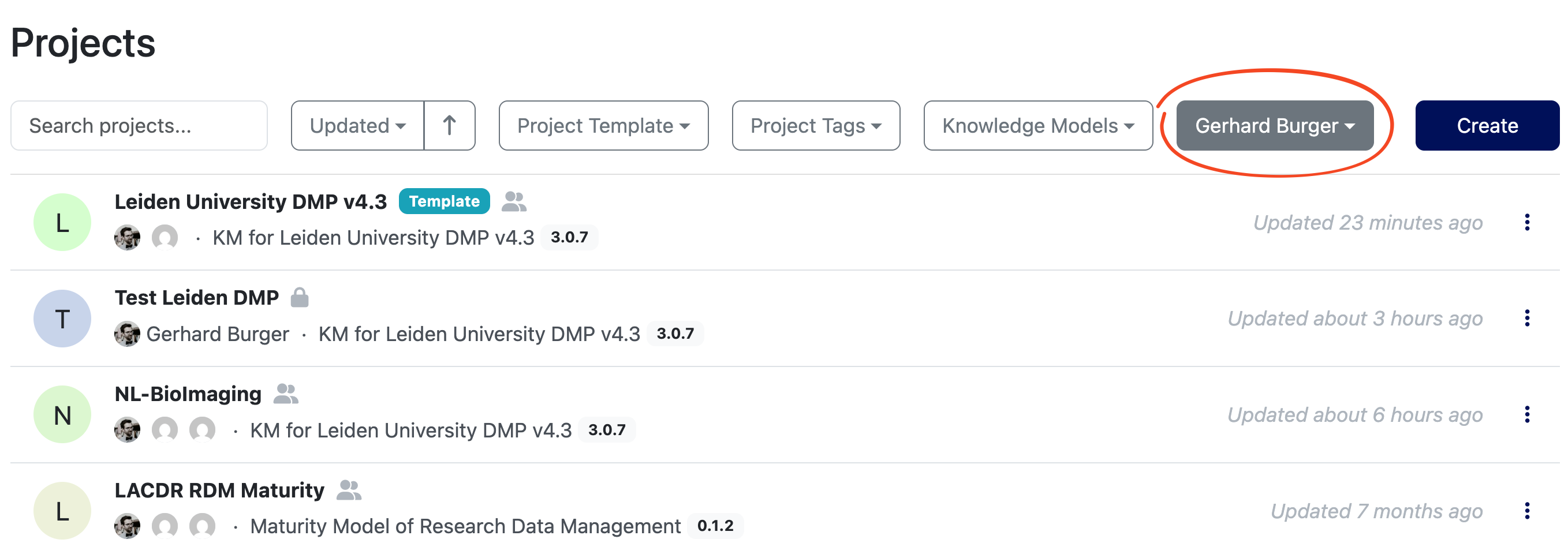
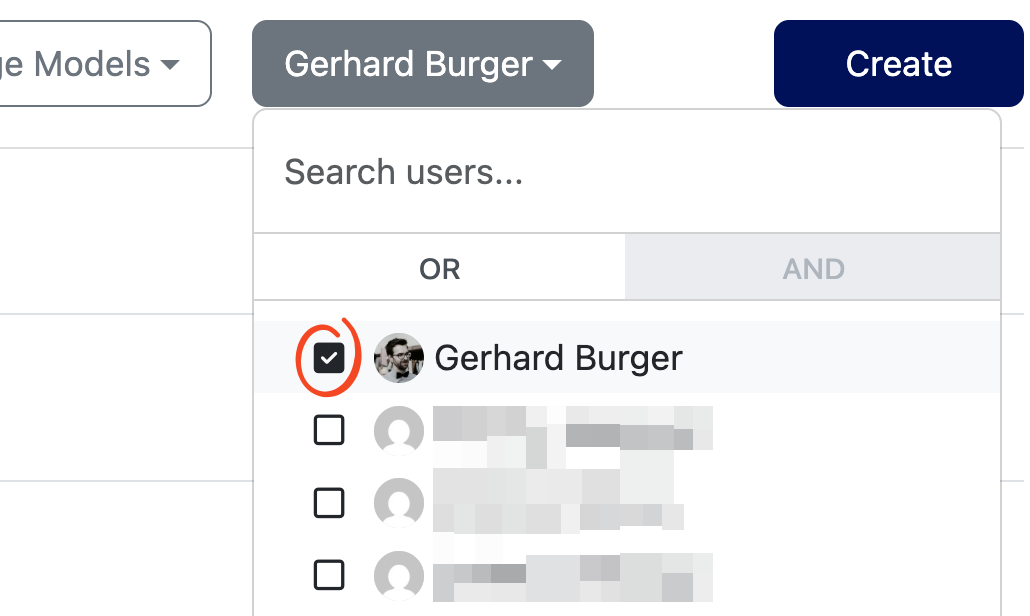
On first login, you will be on the Dashboard, where you will be shown the link to the Projects page where you will manage/review DMPs. By default the Projects page will show you all DMPs you have created or that have been shared with you. As DMP creator, this is very likely empty at first. As reviewer, you should see the DMPs you have been assigned to review. To view all accessible projects in the FAIR Wizard (e.g., those that have been shared publicly), click the button with your name:
 and deselect your name from the filter list:
Creating a DMP
Creating a project
To create a new Data Management Plan (DMP) in the FAIR Wizard, navigate to the Projects page and click the Create button at the top right. You will see the Project Create form.
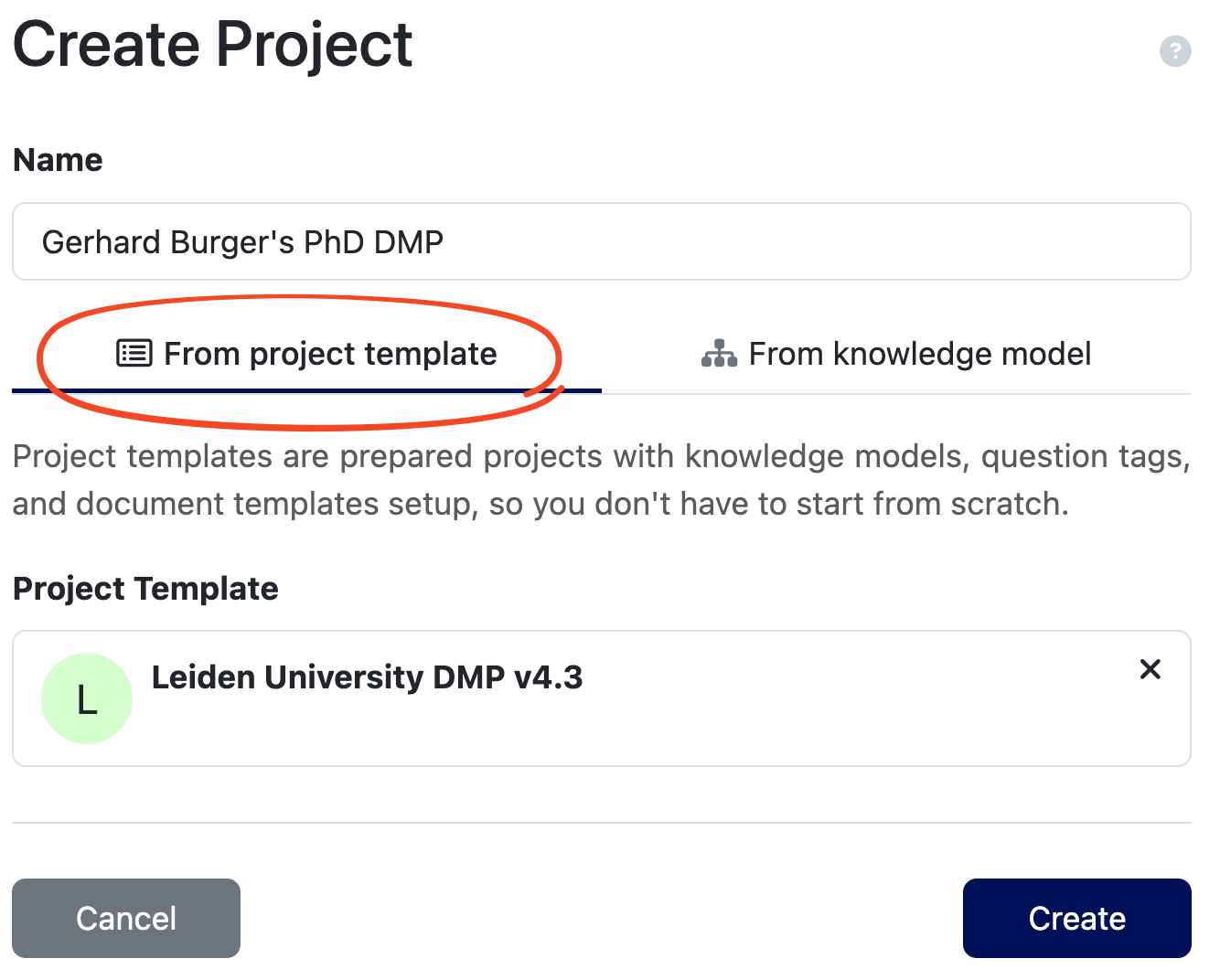
Pick a Name that easily identifies your project, for example “Gerhard Burger’s PhD DMP”. Then select the Leiden University DMP template from the project template list.
The Leiden University DMP template is a general template that should be suitable for a wide range of projects. It is possible to create derived templates from this general template by prefilling certain questions with division/research-group specific information.
Finally, click “Create”. Your new project will open.
Adding collaborators/reviewers
Before starting to fill in your DMP it may be useful to add collaborators/reviewers to your project. This way, they can help create/review the DMP. To add collaborators, follow the DSW instructions on Sharing.
Your DMP will be reviewed by a member from your research group (TBD) whom you can add as Editor. Also add your supervisor as Owner. Check the table in the link above for the differences between these roles. You can also add reviewers as Commenter, then they can only add comments and not change the DMP itself. It is not necessary to add Kristina Hettne and Gerhard Burger as they already have access to all DMPs as FAIR Wizard Admins.
Filling in the DMP
You are now ready to start filling in your DMP. The Leiden University DMP template consists of several chapters, each containing a number of questions. You can view the chapters and questions on the left hand side.
You can ignore the Phases section at the top of the question list. This is a more advanced feature that is not implemented in the Leiden University template.
While developing the DMP, there are some handy tools to help you (click the links for detailed instructions):
- TODOs: Keep track of questions you don’t know how to answer yet and want to come back to later. NB: These are not visible to Viewers/Commenters.
- Comments: Ask for help from collaborators/reviewers by adding comments to questions, you can also assign these comments to specific people.
- Version History: Track changes to your DMP over time, and revert to previous versions if needed. You can also create Named Versions to mark important milestones in the project (e.g., annual reviews).
Preview and Export
At any time you can preview your DMP by clicking the Preview tab at the top. For the Leiden University template, this will generate an HTML version of your DMP (but this can be changed in the project settings).
To export your DMP, Click the Documents tab at the top and select the desired format (PDF, Word, JSON, etc.).
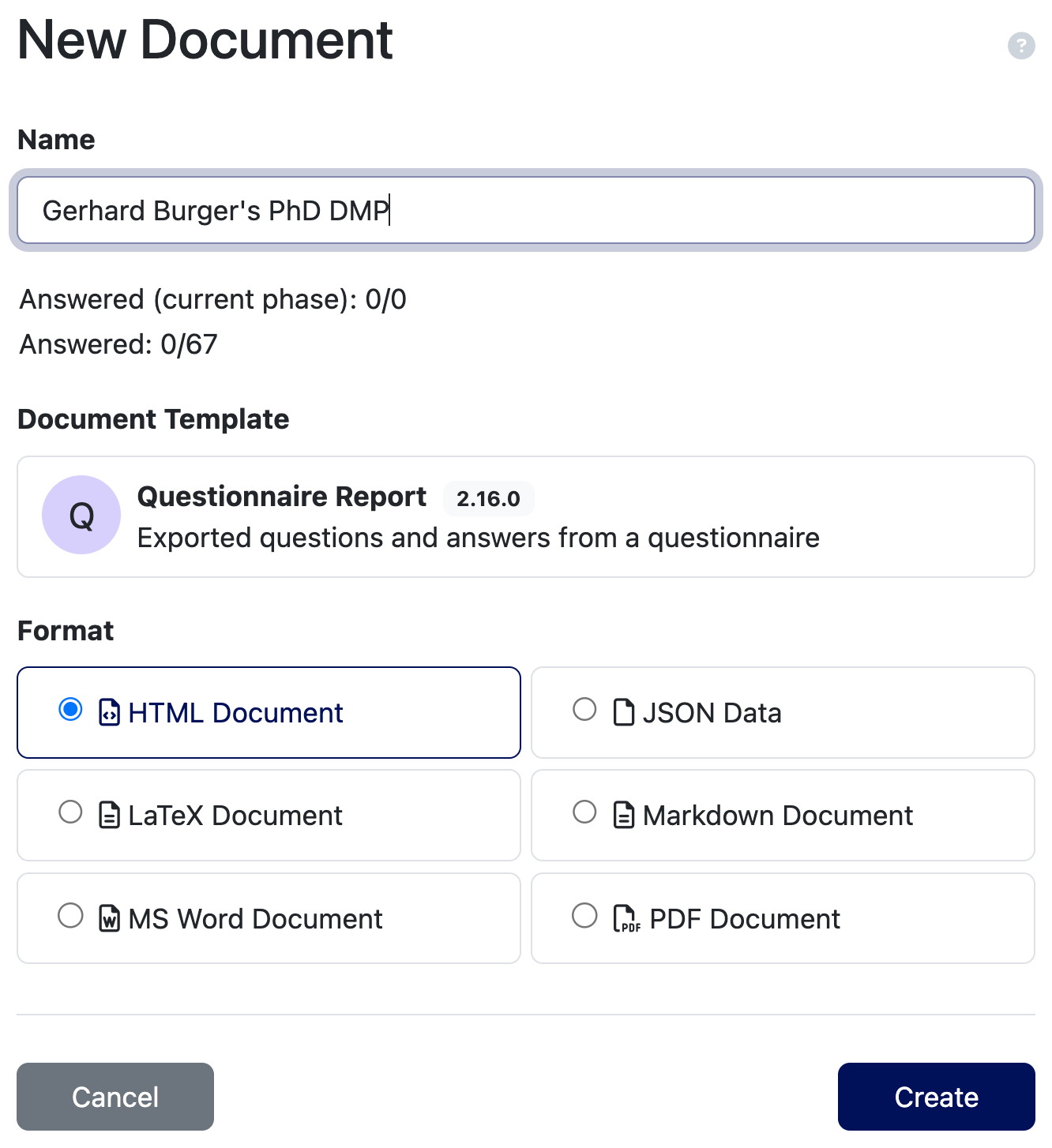
Click Create, you can now view and download your generated document from the list.